Gift Draw
Gift Draw (Lootjes trekken in Dutch) draws names for a gift exchange within a group. Everyone gets a personal link, presses one big button to draw the name of the person they give a present to, and then sees what that person likes. Nobody needs an account or an app.
It was built for a yoga teacher with five groups of older students, so the participant screens use large text, short sentences and one button at a time. It suits any club, family or team just as well.
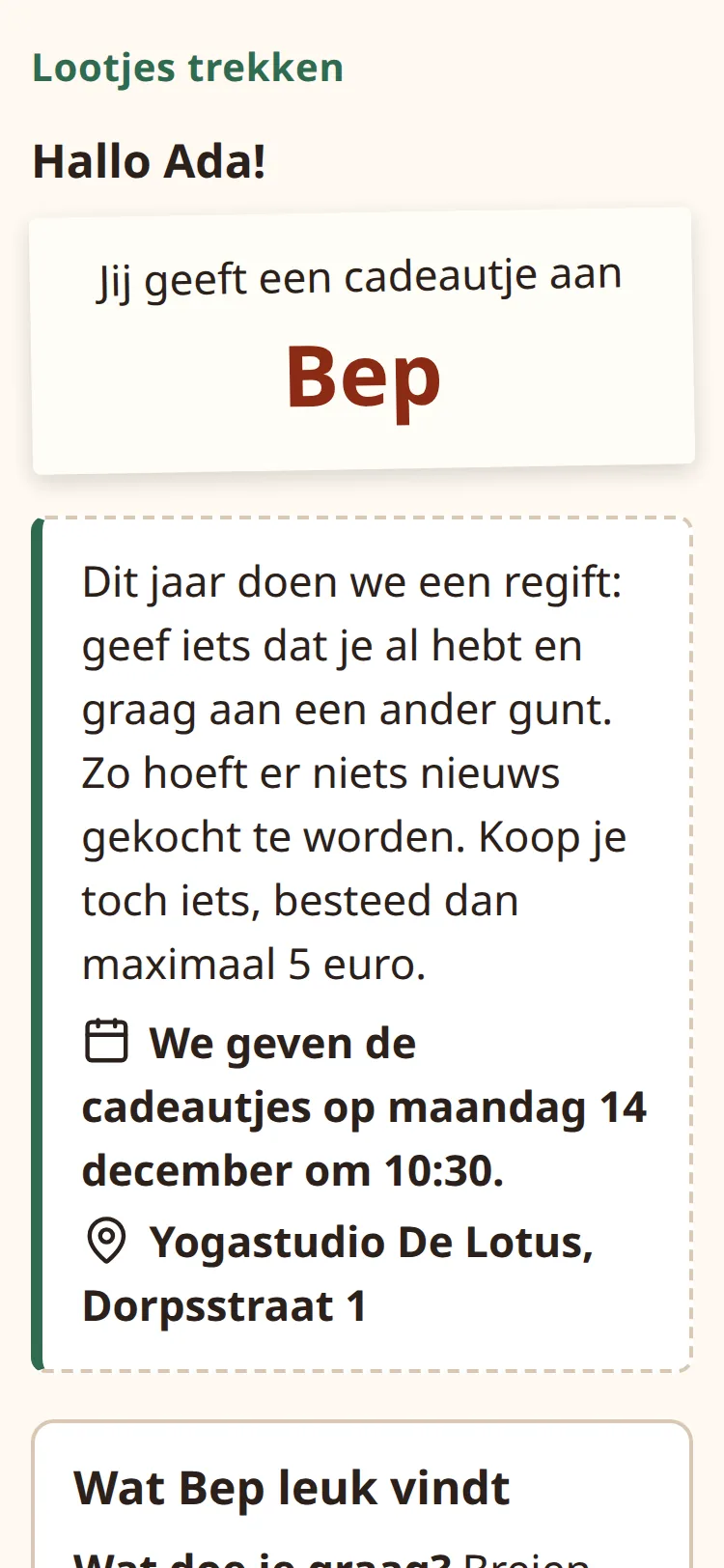
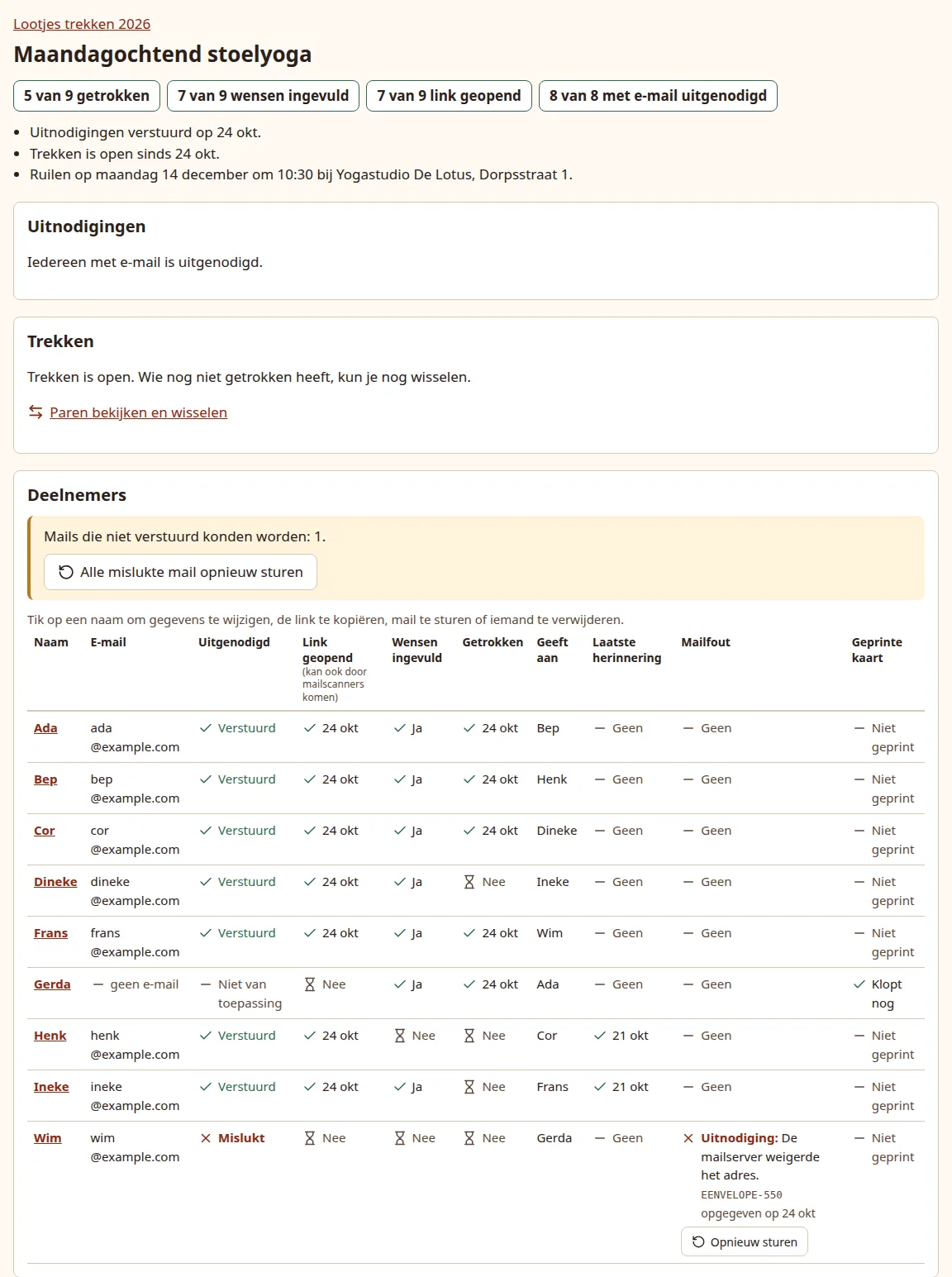
An example. This year the group does a regift: each person gives something they already own and would like to pass on, so nothing new has to be bought, and anyone who does buy something spends at most 5 euro. The organiser sets this theme once; every participant reads it at the top of their page, in their mails and on their printed card.
What makes it different
- Pairs are fixed before anyone draws. The app arranges everyone in one big circle, so nobody gets themselves and the pairs are complete from the start. "Drawing" reveals the name, with a paper slip coming out of a bowl.
- Made for people who rarely use a computer. One action per screen, large type, and an organiser who can do everything on someone's behalf: fill in their wishes, draw together on the organiser's screen, and print an A5 card.
- Ask who joins, if you want. An optional sign-up step asks everyone whether they take part, reminds those who have not answered, and pairs only the people who said yes.
- Email is optional. With a mail server the app sends the invitations and reminders. Without one, you share each link yourself, by message, QR code or printed card.
- Set up in one go. An AI chat assistant can turn your description of the groups and people into a file that creates the whole event at once, and each event downloads as a template for next year.
- Dutch and English. Each participant can switch language on their own page.
- Small and private. One container, one database file, no accounts, no analytics, and the data of each group is erased a few weeks after the exchange.
Where to start
-
Run a gift draw
You organise the exchange: set up an event, add your groups, send the links and open the draw.
-
What participants see
A short tour of the screens and mails your participants get, so you can explain it to them.
-
Host it yourself
Run the app with Docker, connect a mail server if you want one, and keep it up to date.
-
Something is not working
Look up what you see, such as a refused button or a mail that stays queued.
About the screenshots
The screenshots show the Dutch interface, which is the default and how the app is mostly used. These pages name each button in English, with the Dutch label in brackets, for example Send invitations (Uitnodigingen versturen). The organiser can switch the admin pages to English with the English button at the top right.